
 |
| Photoshop Tutorial : Double Exposure |
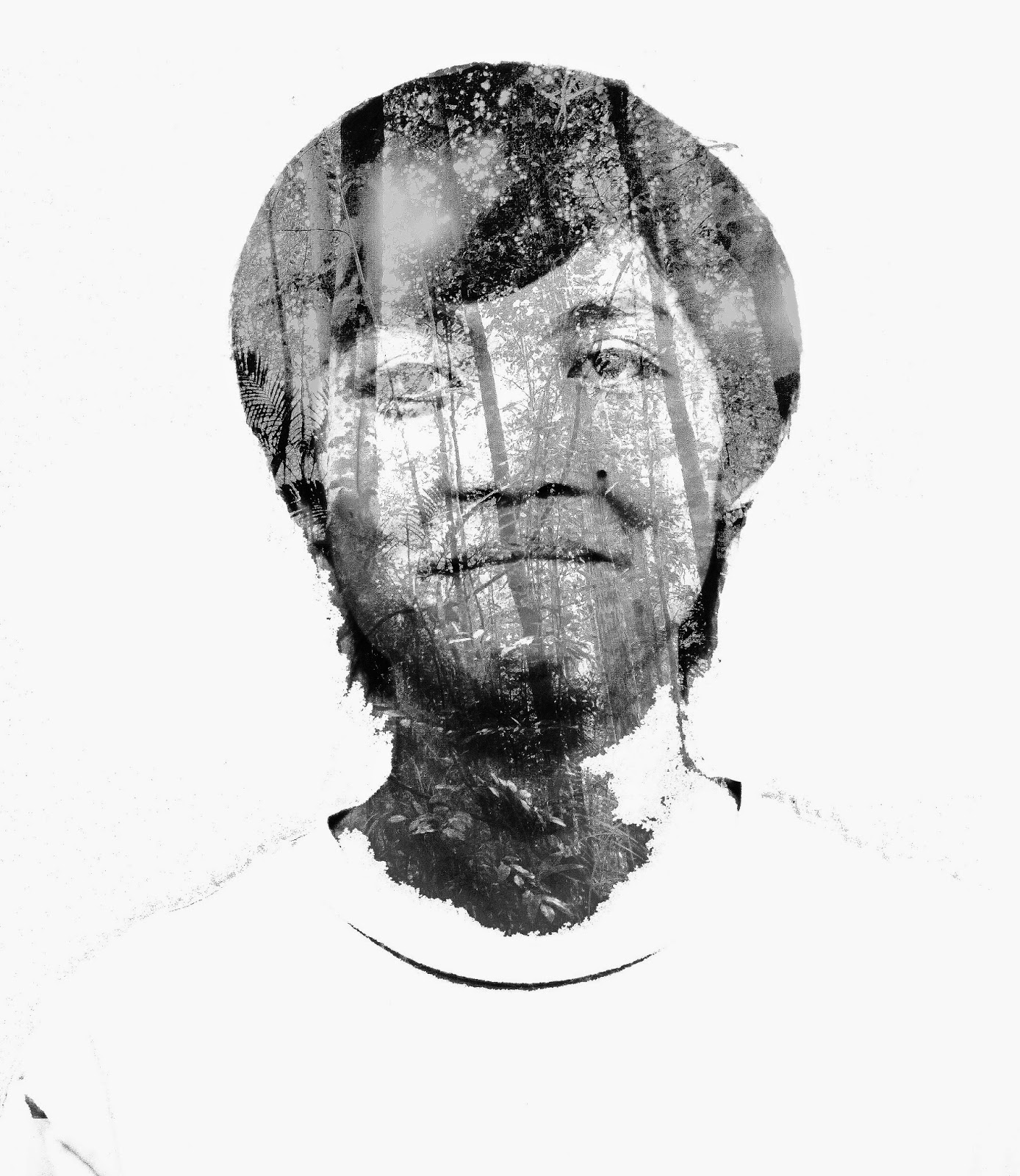
Today I want to teach you guys how to make double exposure image using photoshop.(Photoshop Tutorial : Double Exposure)
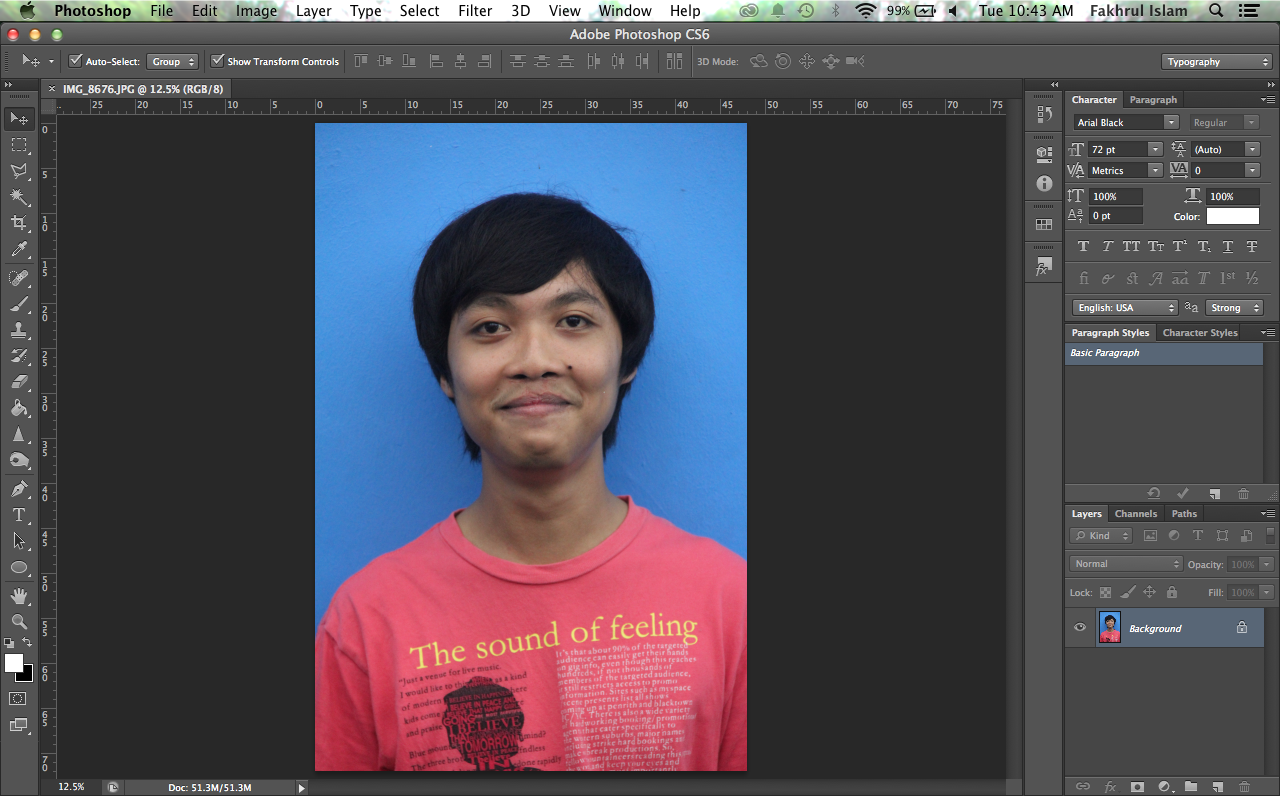
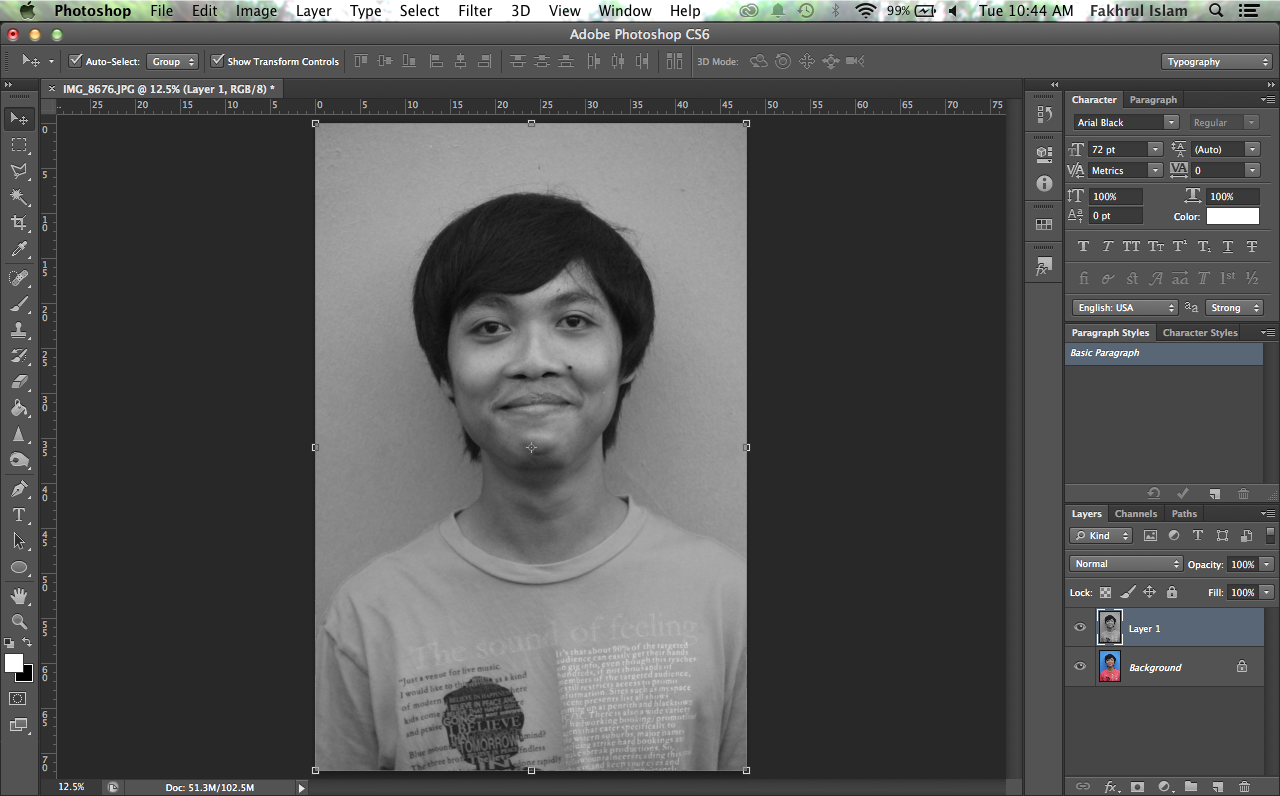
First choose your image and drag into photoshop. than use your keyboard short key (command + J) or (Ctrl + J) to duplicate the image. after duplicate the image use (command + shift + U) or (Ctrl + shift + U) to desaturate the image.
 |
| Photoshop Tutorial : Double Exposure |
 |
| Photoshop Tutorial : Double Exposure |
use your keyboard short key again (command + J) or (Ctrl + J) to duplicate the image. than set the blending mode to "OVERLAY" for the layer as shown below and also for the opacity. Than double click the image at the layer side and chose to flatten the image.
